Sees the food. Sets the cook. Monitors it to done.
Food goes in and CHEF AI takes over: it identifies what's there, sets the right cook profile, and monitors internal temperature without a probe until it's done. No settings to dial, no operator on the line. The same plate, every time.
Hardware, intelligence, and software — one thing.
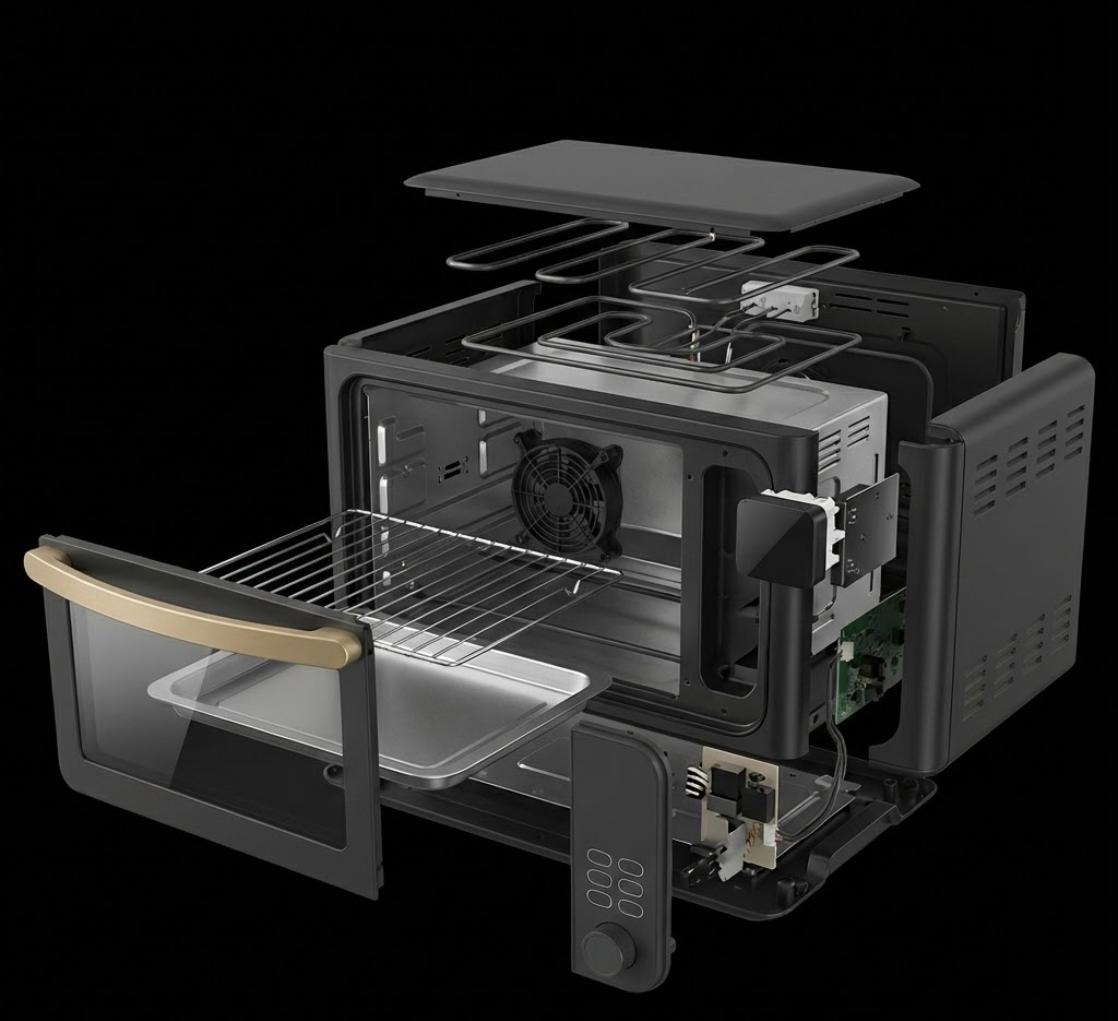
Identifies the food the second the door shuts — no barcode, no operator input. The model is trained on your menu, not a generic classifier.
It identifies the food, reads doneness without a probe, and runs the cook profile — all on the chip, with no cloud round-trip to finish a cook.
Your system drives it over a simple API — or it runs on its own.
Three steps to a unit that cooks your menu.
Tell us the menu — the proteins, the frozen items, the reheats. We scope a cook profile for each, and push updates over the air as the menu changes.
We train a vision model on your specific foods and dial the cook profiles for each one — built for your menu, not a generic classifier.
A working engineering sample, calibrated and loaded with your model and profiles. Test it, integrate it, tell us what to adjust.
Drive it from your system — or let it run itself.
A few signals to wire up — or none at all if you want it to run on its own.
The cook runs on the device — no cloud round-trip required to finish.
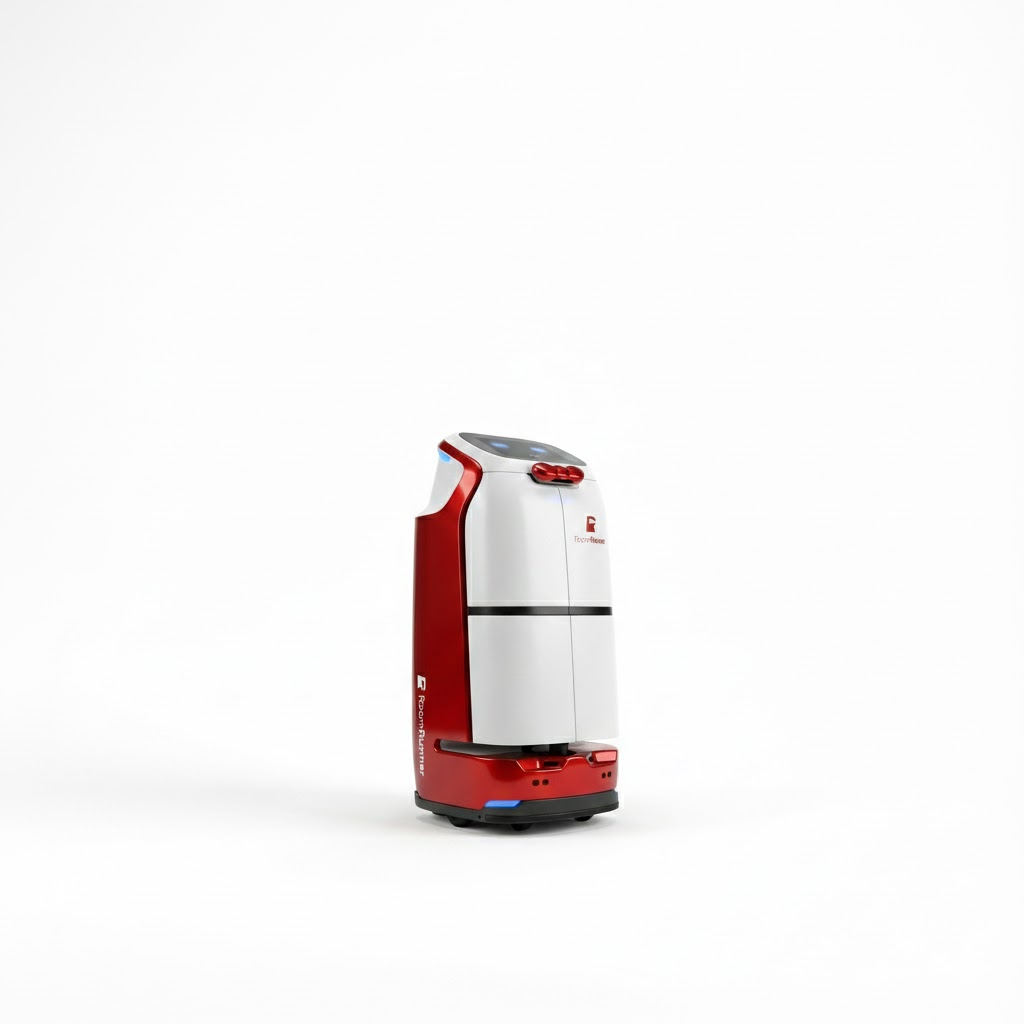
From a demo to a deal, in four steps.
Watch the engineering sample cook a real menu — yours, if you bring it.
We map your SKUs, your hardware, and the integration path together.
Get a unit to run in your own workflow — try it before you commit.
When it works in your world, we put it in writing and start pre-production.
See it cook your foods.
Watch the engineering sample cook a real menu — yours, if you bring it.
No purchase · no NDA for the demo · we cook your SKUs.